
STAY SAFE FROM FINANCIAL FRAUD
At Huru, protecting your money and personal information is our priority.
Learn how to identify scams, secure your account, and report suspicious activity.
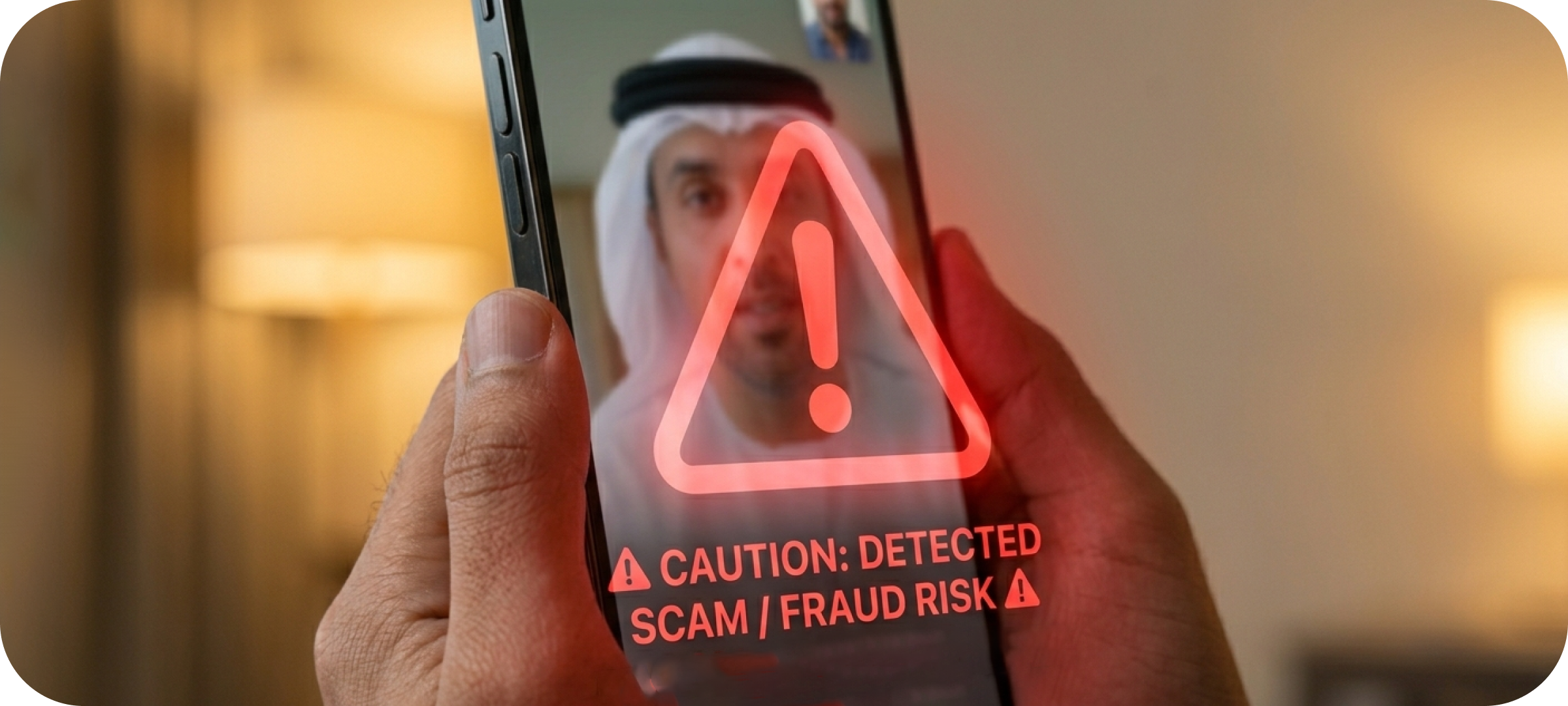
HOW TO IDENTIFY COMMON FRAUDS AND SCAMS
At Huru, protecting your money and personal information is a top priority. Fraudsters are constantly evolving their tactics, targeting individuals and businesses through fake messages, phone calls, websites, and digital payment scams. Staying informed is one of the best ways to stay protected.
Phishing Scams
Fraudsters send fake emails, SMS, or WhatsApp messages pretending to be trusted organizations to steal passwords, OTPs, or account details. Never click on suspicious links or share your details. Huru will never ask for your card number, CVV, ATM PIN or OTP.

Impersonation Calls
Fraudsters may call pretending to be from banks, fintech companies, government authorities, customer support teams, or even directly from Huru, to trick you into sharing sensitive information or making payments. If in doubt, hang up immediately and report the call to our customer support team.

Card & Payment Fraud
Unauthorized card usage, fake payment links, and fraudulent merchants are common online payment scams. Stay safe by verifying merchants, avoiding suspicious payment links, and regularly monitoring your transactions. Report any suspicious activity immediately.

Fake Apps & Websites
Fraudsters create fake apps and websites that look like legitimate to steal login details, OTPs, and financial information. Always download apps from official app stores and verify website URLs before entering any credentials.
Huru’s official website and app download links



Fake Customer Support
Fraudsters may pretend to be Huru’s customer support agents on calls, emails, or messaging apps to trick users into sharing sensitive information or granting account access. Never share OTPs, passwords, or card details, and always contact official support channels to verify any request.

How to protect yourself
Do’s
 Verify before you trust
Always confirm the identity of anyone claiming to represent government authority, bank, delivery company, telecom provider, employer, or someone from Huru.- Use official channels only
Access any service through official apps, bookmarked websites, or trusted contact numbers. - Check website URLs carefully
Look for misspellings, extra characters, or unusual domains before entering any personal or banking information. - Enable multi-factor authentication (MFA)
Set up Biometric on your device & activate it for Huru App access. - Manage card usage and limits
Use the Huru app to manage your card securely, temporarily lock/unlock your card, set transaction limits, or instantly block it if you suspect misuse. - Monitor your transactions regularly
Review account activity, card usage, and notifications frequently to spot suspicious activity early. - Set transaction alerts
Enable SMS, email, or push notifications for payments, transfers, and login attempts. - Set card limits and manage usage
You can set card limits and also lock or unlock your Huru card from the Huru app. - Keep devices and apps updated
Install security updates for phones, browsers, operating systems, and financial apps promptly. - Download apps only from trusted app stores
Use official platforms such as the Apple App Store or Google Play Store. - Be cautious with QR codes and payment links
Verify the sender and purpose before scanning or clicking. - Protect your personal information
Treat Emirates ID details, OTPs, CVV numbers, PINs, passwords, and app credentials as confidential. - Use secure internet connections
Avoid making financial transactions over public Wi-Fi. - Report suspicious activity immediately
Contact Huru customer support as soon as you notice unusual behavior or unauthorized transactions. - Educate family members and employees
Fraudsters often target elderly individuals, young adults, and busy professionals. - Pause and think before acting urgently
Scammers commonly create panic using threats, urgency, or “limited-time” pressure tactics.
Dont’s
 Don’t share OTPs, ATM PINs, or passwords with anyone
Huru will never ask for these details.- Don’t trust unsolicited calls or messages blindly
Fraudsters may spoof phone numbers, logos, or email addresses to appear legitimate. - Don’t click suspicious links
Especially from SMS, WhatsApp, email, social media, or unknown advertisements. - Don’t install apps from unknown sources
Fake apps may steal your credentials or monitor your device activity. - Don’t allow remote access to your device
Scammers may ask you to install screen-sharing or remote-control apps pretending to offer support. - Don’t respond to pressure tactics
Messages claiming “your account will be blocked immediately” are commonly used to trigger panic. - Don’t save card details unnecessarily
Especially on shared devices or unfamiliar websites. - Don’t reuse passwords across accounts
A breach on one platform can expose multiple accounts. - Don’t ignore small unauthorized transactions
Fraudsters sometimes test cards with minor charges before larger theft attempts. - Don’t share sensitive information on social media
Publicly visible details can help scammers impersonate you or answer security questions. - Don’t scan random QR codes
Fraudulent QR codes can redirect payments or steal information. - Don’t assume professional-looking websites are genuine
Fake platforms can closely imitate real brands and financial institutions. - Don’t keep outdated contact information on your accounts
Ensure your mobile number and email are current so you receive security alerts. - Don’t delay reporting fraud
Immediate reporting improves the chances of stopping or recovering fraudulent activity.
REPORT FRAUD IMMEDIATELY
If you suspect fraudulent activity, contact Huru’s customer support team immediately
 Call us
048732999 Email us
help@huru.co
How to connect with us
Our official channels
 www.huru.co
 hellohuru
 @huru.co
 @huru.co
 Hellohuru
 huru-co
 help@huru.co
 048732999
Lookout for fraud channels
- Fraudsters might setup lookalike websites
Check website URL carefully and avoid sites like www.hurru.co, www.huruu.co, etc. - Never respond to any communication from non-official Huru channels
Fraudsters pretending to be Huru’s customer support might try to reach out to you with similar looking emails like help@hurru.com, help@huruu.ae